Tutorials
Short screen recordings of the real product, one task per video. No sales talk.
From a tested strategy to a trading interface
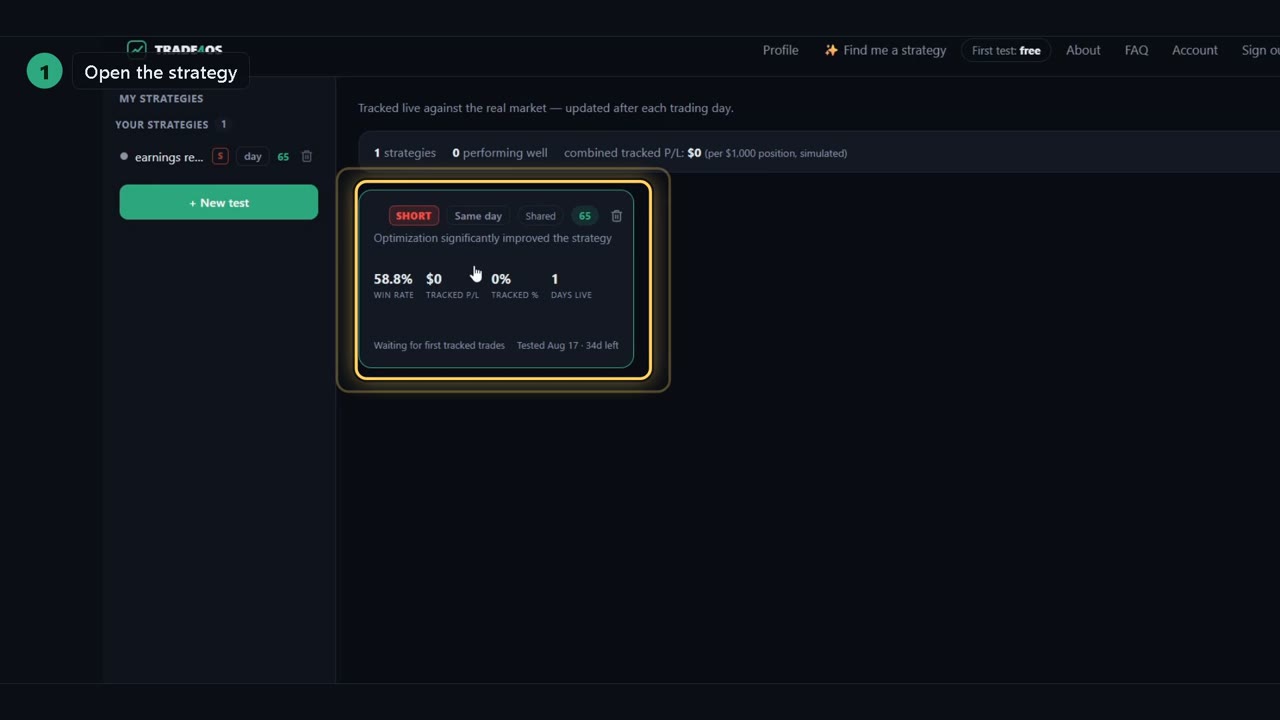
Turn a tested strategy into a trading interface
Choosing the right broker for the strategy, the readiness questions, the build request, and where the Download button appears.
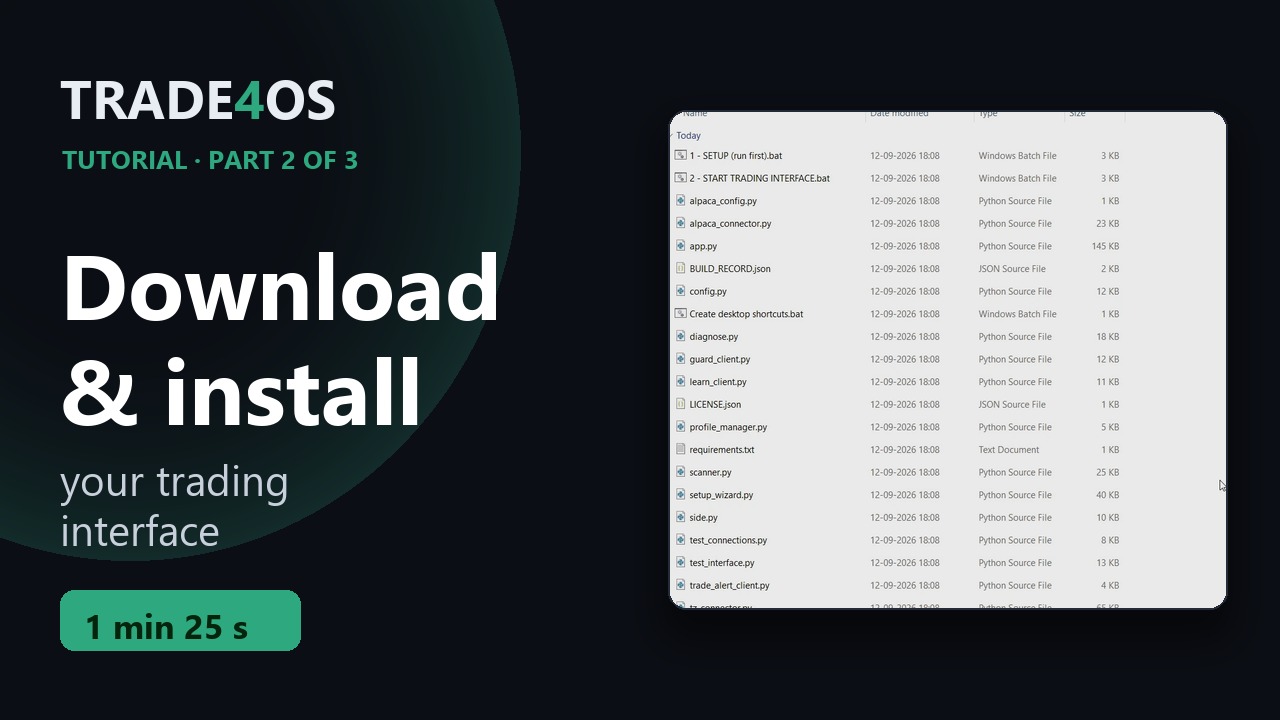
Download and install your trading interface
Downloading the ZIP, unzipping it on Windows, and running the guided setup for the first time.
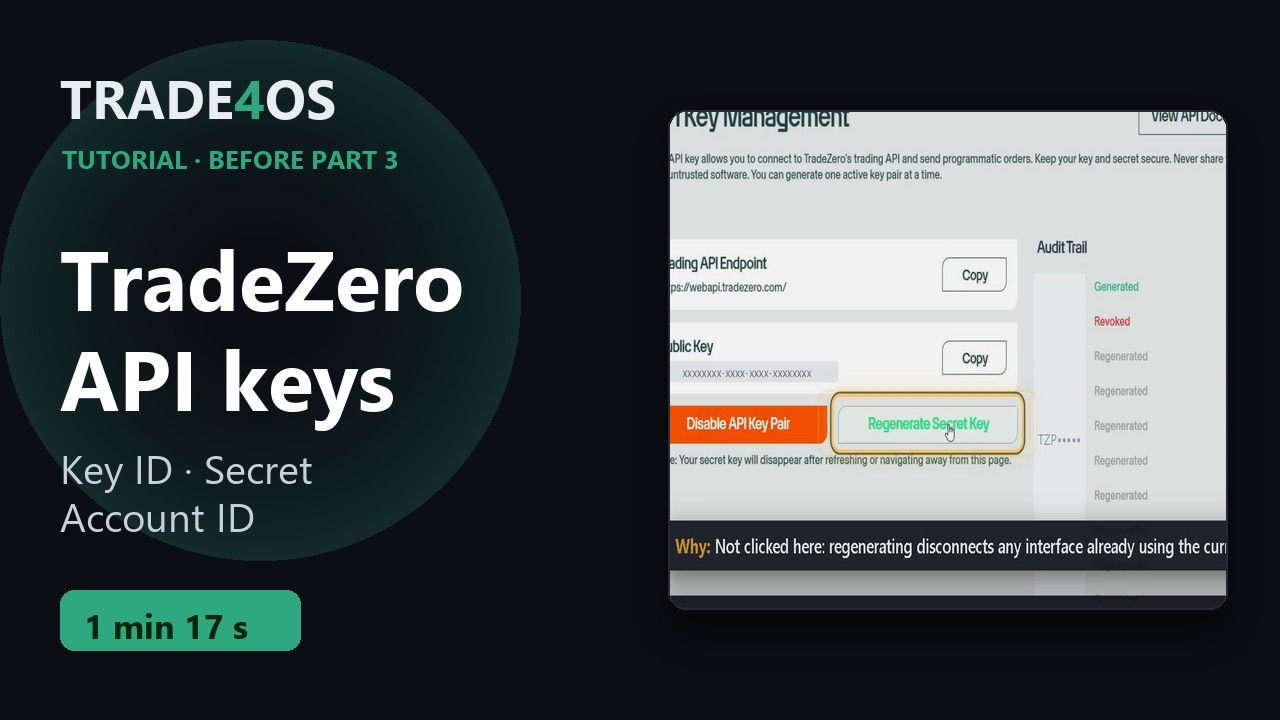
Get your TradeZero API keys
The three values the setup asks for: API Key ID (Public Key), API Secret, and your account number — and why you never regenerate on a whim.
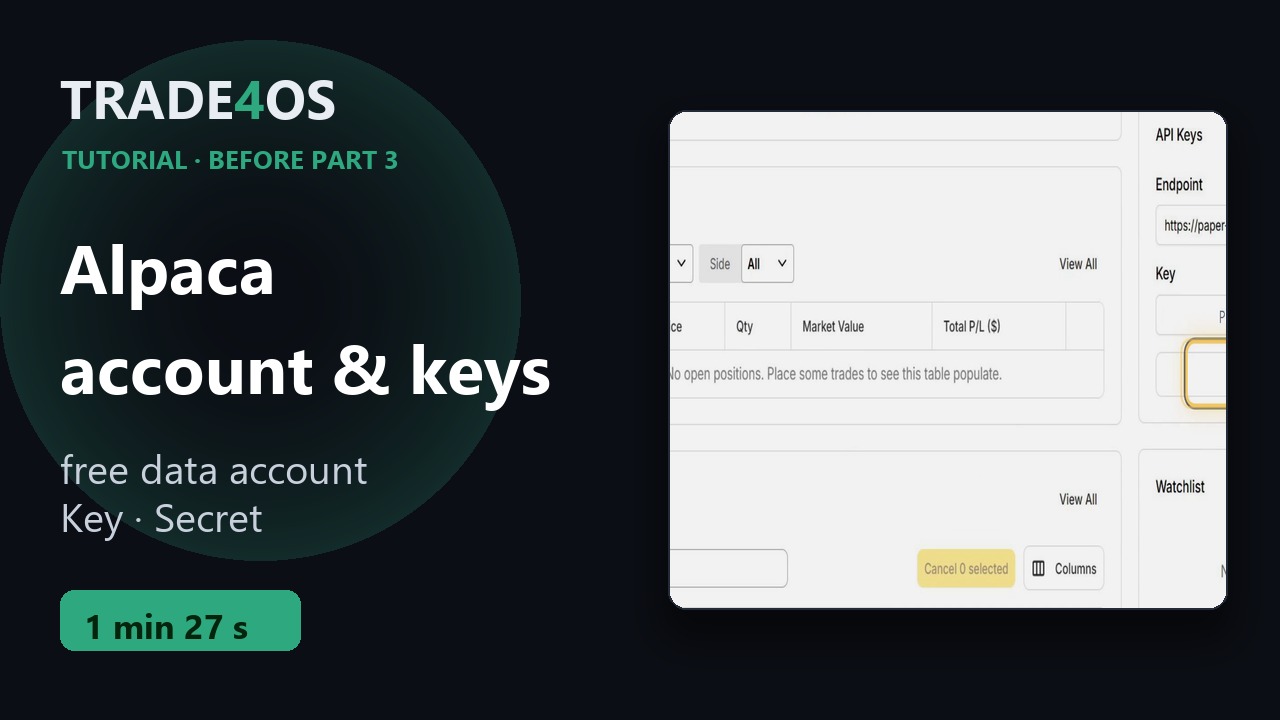
Create a free Alpaca account and copy your keys
Live prices come from Alpaca. A free paper account is enough to start: sign-up, the dashboard, and where the Key and Secret are.
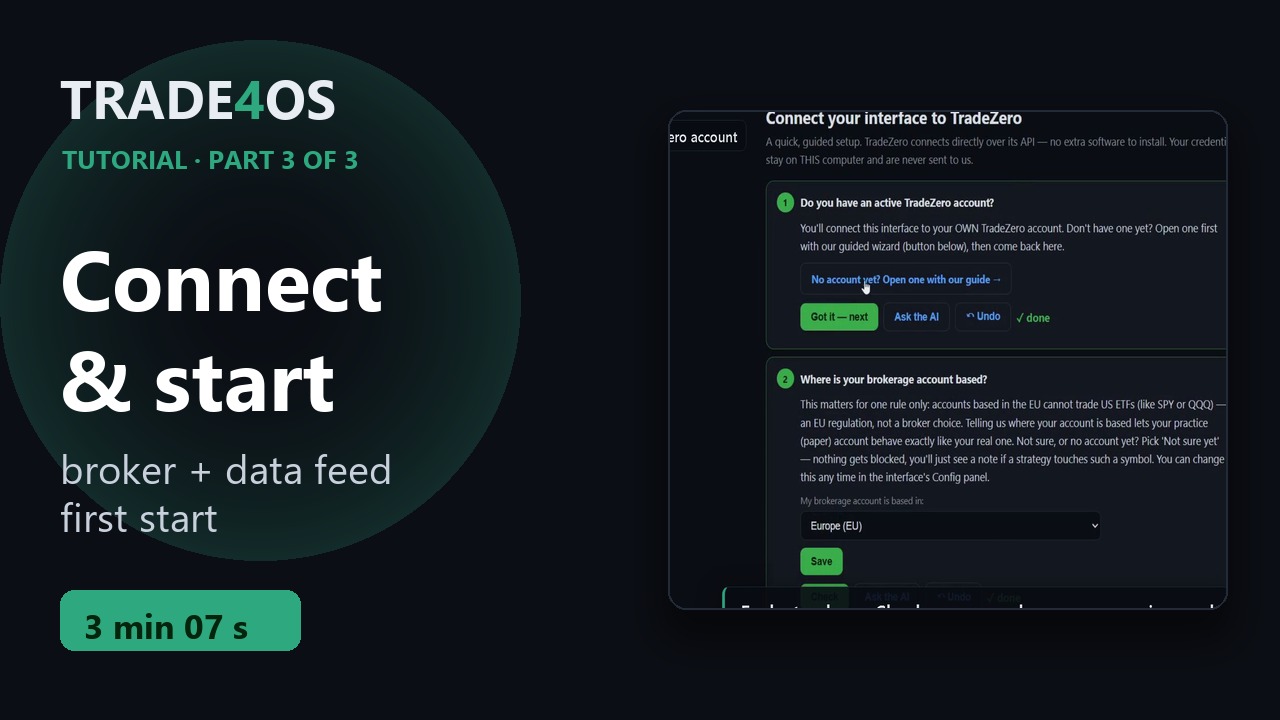
Connect your broker and start the interface
The guided setup: TradeZero credentials, the locate check, Alpaca keys, arming the strategy, the first start — and how to stop it.
Going live — from paper to real money
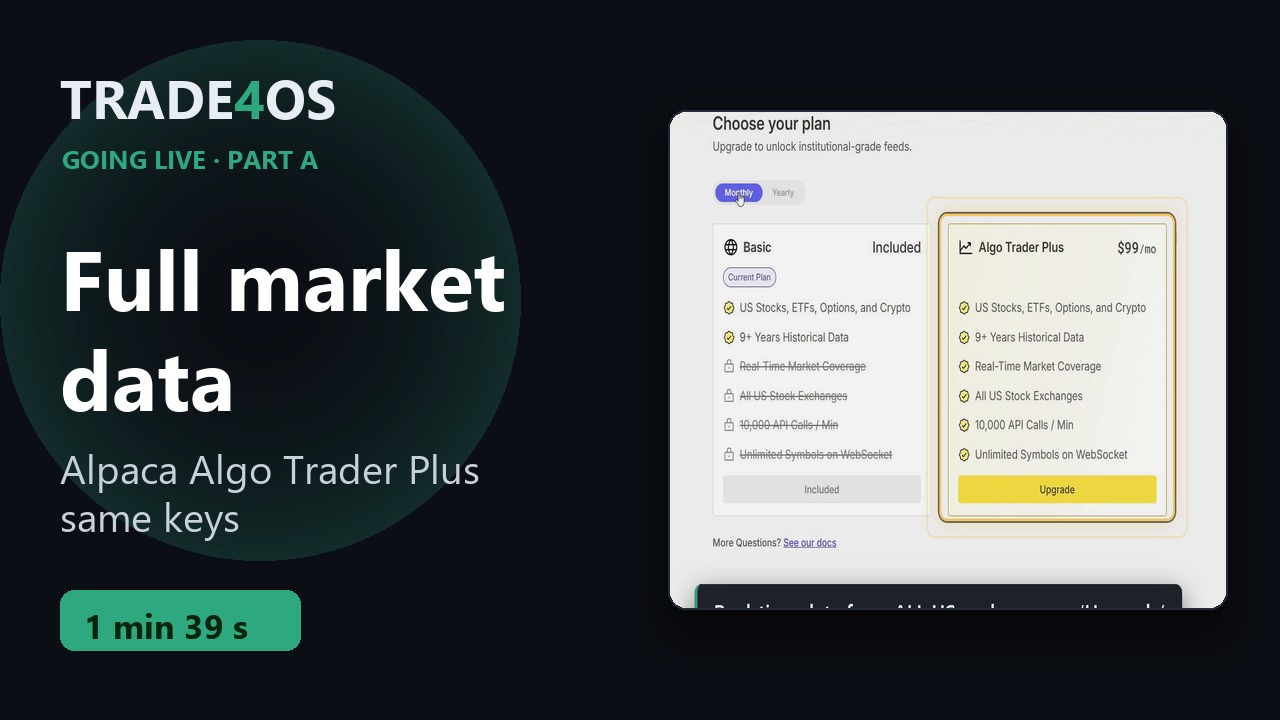
Full market data (Alpaca)
Real trading needs Alpaca's full plan, Algo Trader Plus. The upgrade on Alpaca's site and the check in the setup — same keys.
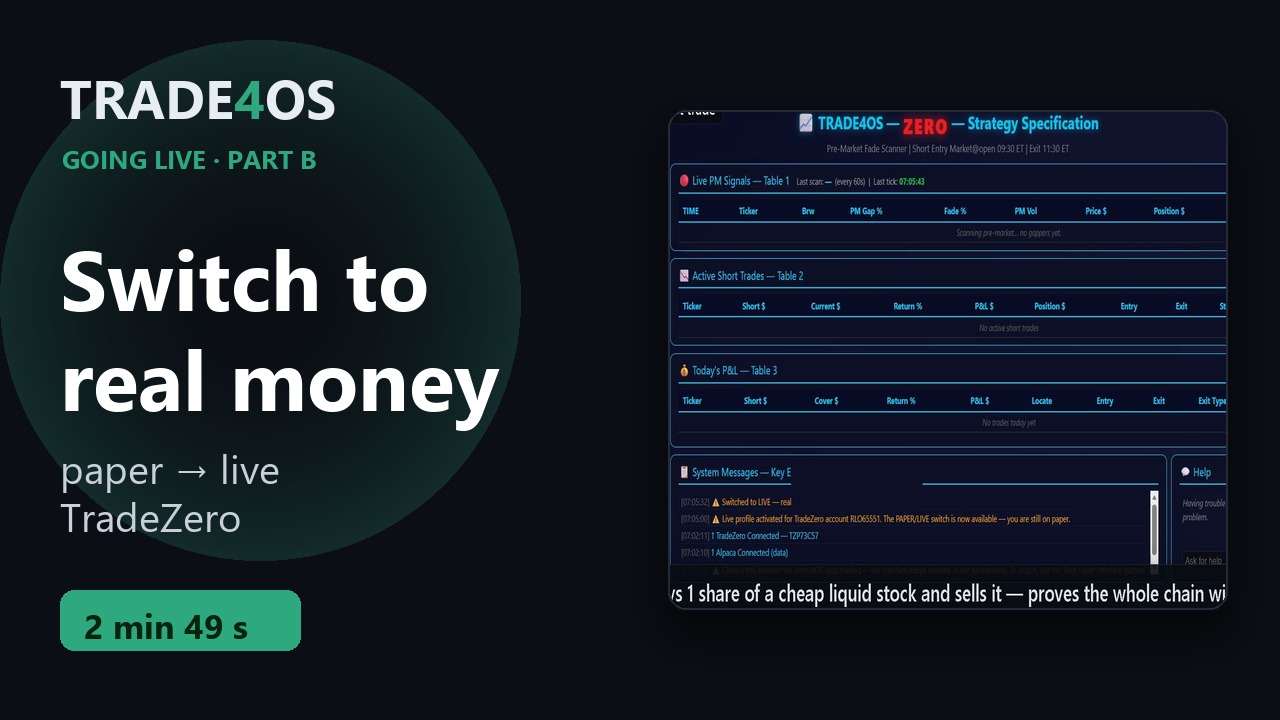
Switch to your real account
The go-live checklist on the site, activating the live profile, the switch to LIVE, and the first test trade — during regular trading hours.